AI UGC VIDEO GENERATOR
AI UGC Videos,Built Around Your Product
Create AI UGC video ads from a product link or images. Choose a creator and voice, edit the script, and approve the first frame before generating.
- Product link or images
- Editable script & AI voice
- 8 / 10 / 15 seconds
- Review before generation
AI-generated example
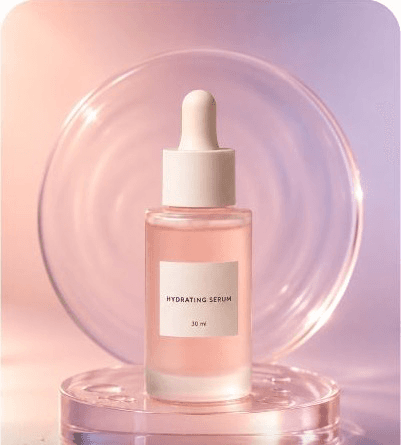
SEE THE RESULT
Product stories, brought to life
Two playable AI demos. No customer results or brand endorsement implied.
AI-generated example
From product image to creator-led story
See the product image, approved first frame and final video together in the full serum walkthrough.
10-second setting · English voiceover
Explore the full serum exampleAI-generated example
A second take on a product introduction
Watch the existing homepage demo. This is a video example only; the original inputs and creative settings are not documented.
Approx. 10 seconds · AI demo
HOW IT WORKS
Your product. Your direction. Four steps.
Start with the product, then approve the image that guides your video.
- 1
Add your product
Paste a product link or upload images. Review the product information before moving on.
Link or images
- 2
Set the creator & script
Choose a creator, scene and AI voice. Edit the script, Hook and CTA to suit your product.

Editable script
- 3
Approve the first frame
Review the AI-generated image. Generate another if needed; approve the frame before the video starts.
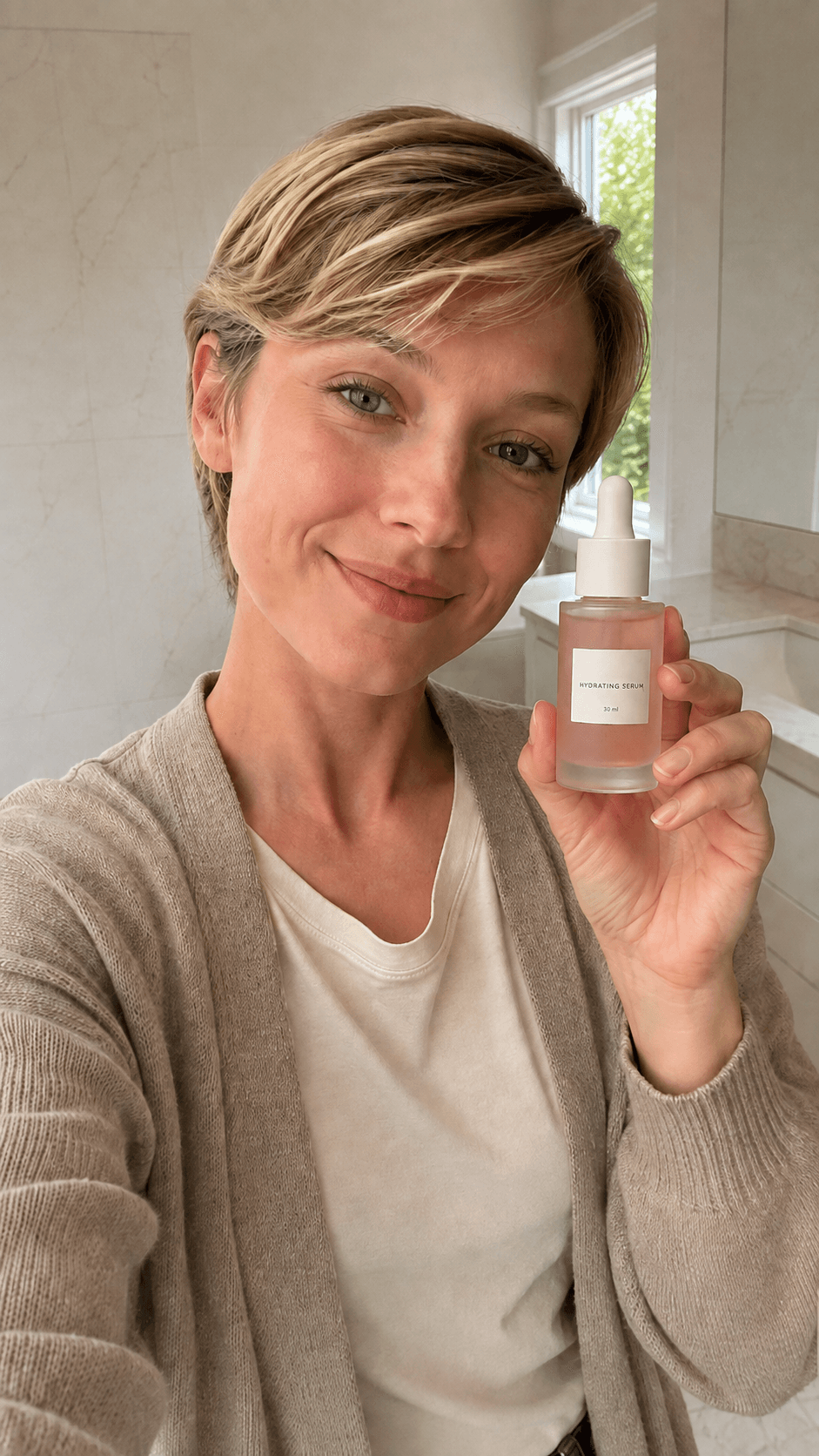
First frame · static preview
- 4
Generate & download
Generate your 8, 10 or 15-second video, then preview and download the result.
Final video · preview & download
CREATIVE CONTROL
Make the story yours
Choose what goes into your video, without a complicated editing timeline.
Editable Hook & CTA
Shape the opening, product story and call to action in your script.
Illustrative script
“Meet your new everyday essential.”
Introduce the product in your own words.
“Take a closer look.”
AI voiceover
Choose a voice for your creator video. Voice generation has no separate credit charge.
Your script → AI voiceover
Creator & scene
Choose an AI creator and scene that fit the product story.


AI creator portraits · static
Length & format
Choose a supported duration and aspect ratio for your video.
A few things to know
What is an AI UGC video?
It is an AI-generated product video featuring a creator, script and voiceover. The examples here are AI demonstrations, not customer testimonials or evidence of ad performance.
Can I edit the script and choose the creator?
Yes. Creator UGC supports editable scripts, Hook and CTA settings, creator and scene selection, and AI voiceover. Review the first frame before generating the video.
How many credits does a video cost?
Each first frame costs 1 credit. Video generation costs 1 credit per second of the selected duration: 8, 10 or 15 credits. One first frame plus a 10-second video costs 11 credits; additional first frames cost 1 credit each.
Can I make a complete video with the signup credits?
Signup includes 2 credits to try first-frame generation. They are not enough for a complete video. Check the pricing page for the credits and video access included in each plan.
Which lengths and formats are supported?
Creator UGC supports 8, 10 and 15-second settings in 9:16 or 16:9. Actual file duration can differ slightly from the chosen setting.
How do I turn a product image into a UGC video?
Upload a product image in Studio, choose Creator UGC, then select a creator, scene and voice. Review the editable script and approve the first frame before generating. Preview and download the result, and check product details before using it.
AI UGC VIDEO GENERATOR
Give your product a voice
Add your product. Shape the story. Approve the first frame.
Create a UGC VideoFirst frame: 1 credit · Video: 1 credit/second. The 2 signup credits cover first-frame trials, not a complete video.