PRODUCT URL TO VIDEO ADS
Your Product URL.Your Next Video Ad.
Turn a product URL into a video ad. Review the imported details, choose Creator UGC or a silent product showcase, and approve the first frame.
Sign up or log in, then add a product link or image in Studio.
Product input
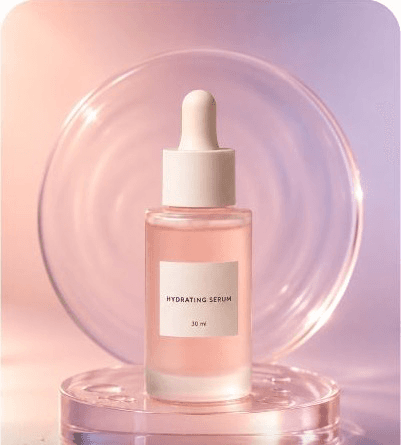
Serum product image
Review your product image and details.

First frame
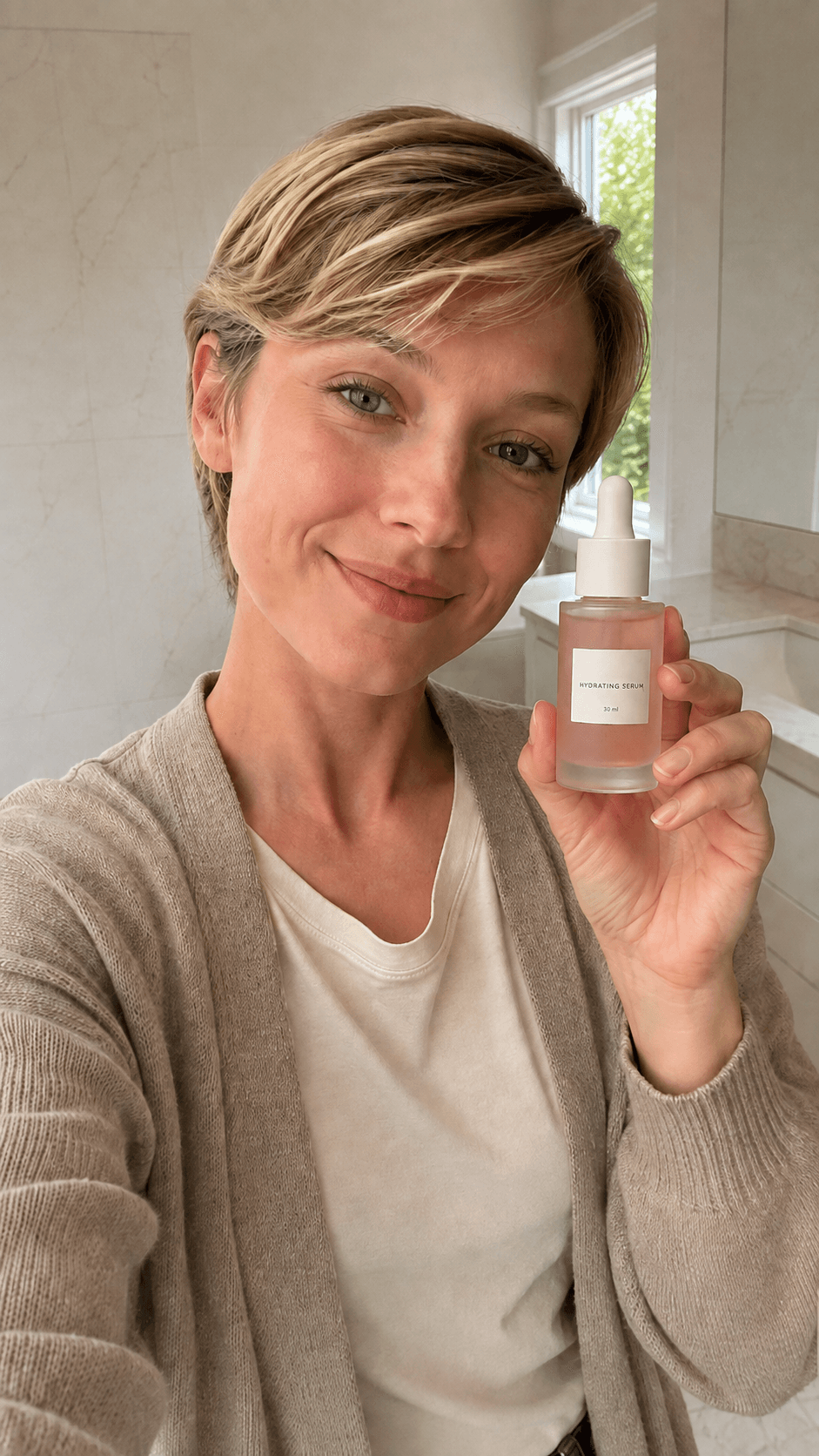
Approve before video
Video
10s UGC · with voiceover
- Review before generation
- Two video formats
- First frame: 1 credit
- Download when ready
How It Works
From a product link or image to your video, in three clear steps.
- 1
Add a link or images
Paste a product URL in Studio, or upload your own product image to get started.
Product URLProduct imageProduct URL or imageSerum product image
Review your product image and details.
- 2
Review the product & choose a format
Check the available details and choose your product image. Select Creator UGC or Product Showcase.
Review the product
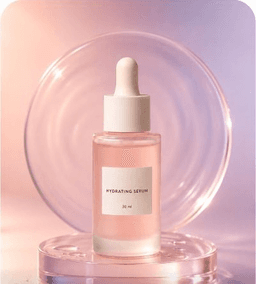
Serum product image
Check the available title, price and details.
Choose your video format
Creator UGC
8 / 10 / 15 sec
Product Showcase
5 / 10 sec
- 3
Approve, then generate & download
Review the first frame for 1 credit. Approve it, generate your video, then preview and download.
First frame
Approve before video
Video
Preview & download
Illustrated workflow. Product import and image upload happen in Studio.
Choose the right video format.
Two formats for different goals. Both start with a first-frame review.
Creator UGC
A creator-style video with a person, editable script and AI voiceover.
- 8 / 10 / 15 seconds
- Choose a creator, scene and voice
- Shape your script with a Hook and CTA
- First-frame review · 1 credit
- Video generation · 1 credit per second
8s · 10s · 15sAI voiceover
Product Showcase
Product-focused scenes and camera settings, with silent video output.
- 5 / 10 seconds
- Choose a scene and camera style
- Review the product appearance before video
- First-frame review · 1 credit
- Video generation · 1 credit per second

5s · 10sSilent Showcase
Example Videos
Two AI-generated examples, with their product-to-video workflows.
Serum, with a creator.
Product image, AI first frame and a voiced Creator UGC video.
10s setting · 9:16 · AI voiceover
View the workflowHeadphones, in motion.
The approved V2 studio frame and silent turntable-style product video.
5s setting · 16:9 · Silent
View the workflowAI demos, not customer results or verified URL extractions. Headphone details are AI-inferred, not verified product specifications.
Frequently asked questions
Can I use any product URL?
Extraction reads the images and product information available on a page. Some pages restrict access or don’t expose usable images, so success isn’t guaranteed. Upload a product image if the link doesn’t work.
What do I need to check after import?
Check that the selected image shows the right product and that the available title, price and details are accurate. Check generated script claims, too. Missing or incorrect facts shouldn’t become promises in your ad.
Can I start with an image instead?
Yes. After sign-up or login, choose Upload Images in Studio. The image entry on this page opens that same workspace flow; it doesn’t upload a file or prefill a product here.
Which video formats are available?
Creator UGC supports 8 / 10 / 15 seconds with a person, editable script and AI voiceover. Product Showcase supports 5 / 10 seconds and is currently silent. Both support 9:16 and 16:9.
Do I approve the first frame?
Yes. Check the AI first frame for product appearance and composition, then approve it before generating the video. AI can infer or alter details; review the final video before using it.
How are credits used?
A first frame costs 1 credit, and video generation costs 1 credit per second of the selected duration. Registration includes 2 credits for trying first frames, not enough for a complete video. A first frame plus a 5-second Showcase costs 6 credits.
PRODUCT URL TO VIDEO ADS
Ready to Turn Your Product Into a Video Ad?
Bring a product link or image. Choose your format and approve the first frame.
Start With Your ProductFirst frame: 1 credit. Video: 1 credit per second. The 2 registration credits are for trying first frames, not enough for a complete video.