From Product Reference to aSilent Showcase Video
Coral headphones, a charcoal display plinth and violet rim lighting. See an approved studio frame become a product video with clearly changing viewing angles.
- Product Showcase
- 5-second tier
- 16:9
- Silent
An AI workflow example, with no customer or advertising performance claims.
The creation process
From the product reference to the first-frame review and finished video.
- 1
Start with the product reference
Define the visible details to carry into the generated frame.
Coral over-ear headphones
Preserve the coral color, curved headband, earcup shape, connection points, cushion texture and overall proportions.
The original appearance reference was a photo of a person holding the headphones. This studio version was restaged from an approved AI-generated product frame. There is no separate original packshot or verified product-URL extraction record.
Occluded areas were reconstructed by AI. Side and rear surfaces, including newly visible controls and ports, are AI-inferred details, not verified product specifications. The generated frame is not an original product photograph.
- 2
Set the scene and camera
Use a studio setting and request an orbit; review the actual motion in the finished video.
Visible setting
Studio display plinth
Charcoal platform, violet-burgundy backdrop and soft rim lighting.
Requested motion setting
Product orbit
productOrbit · The result shows a broad turntable-style rotation, rather than a measured 45° camera arc.
Recorded creative strength
Balanced
balanced · Requested a balance of visible motion and product consistency.
- 3
Approve the first frame
Review color, shape, lighting and composition before generating motion.
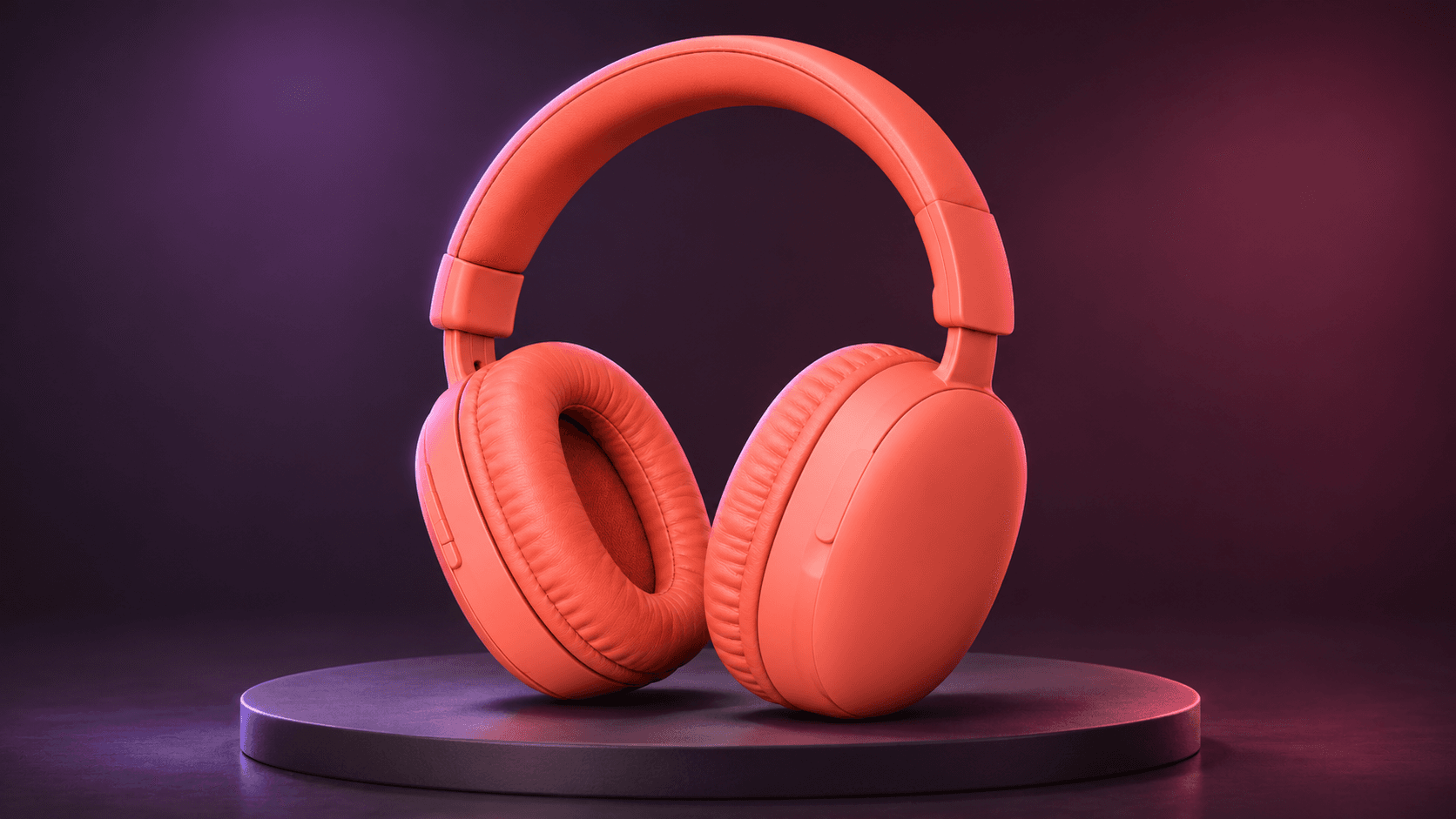
AI-generated first frame · Approved This generated first frame was approved before the video task. Check the full headband, earcups and reconstructed details before proceeding.
- 4
Generate, preview and download
Review the finished silent video and download the file.
Download videoCoral headphones · Studio rotation
A single take with turntable-style rotation reveals different views of the earcups and headband. Download the silent MP4 and add audio in an external editor if needed.
5-second tier · Actual runtime about 5.04 seconds · 1916 × 1080 · 24 fps · No audio track.
One video, three moments
Screenshots from the same finished video, showing the change in product angle during its continuous rotation.
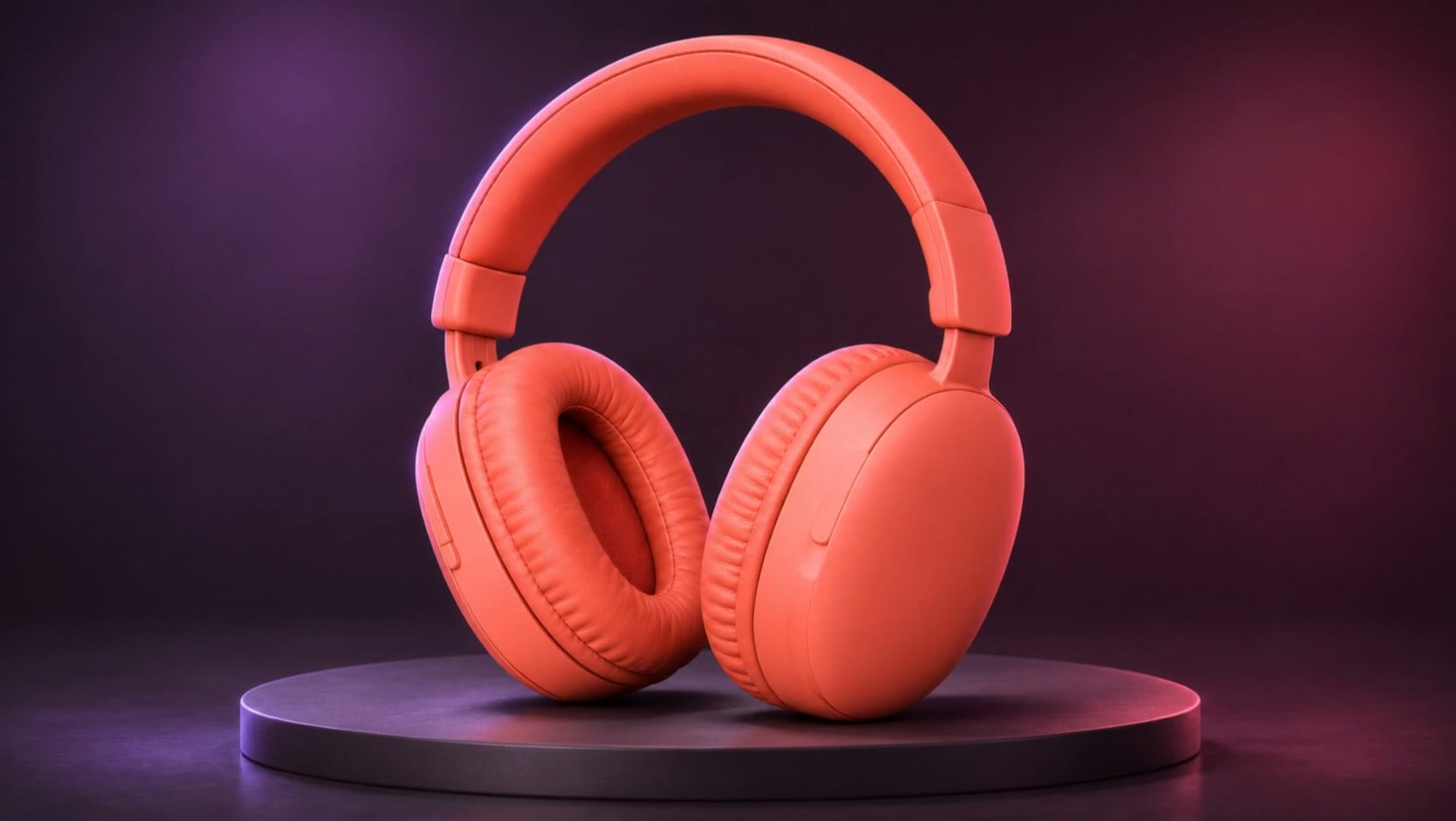 0.1s
Opening
The opening three-quarter view establishes the headphones and studio plinth.
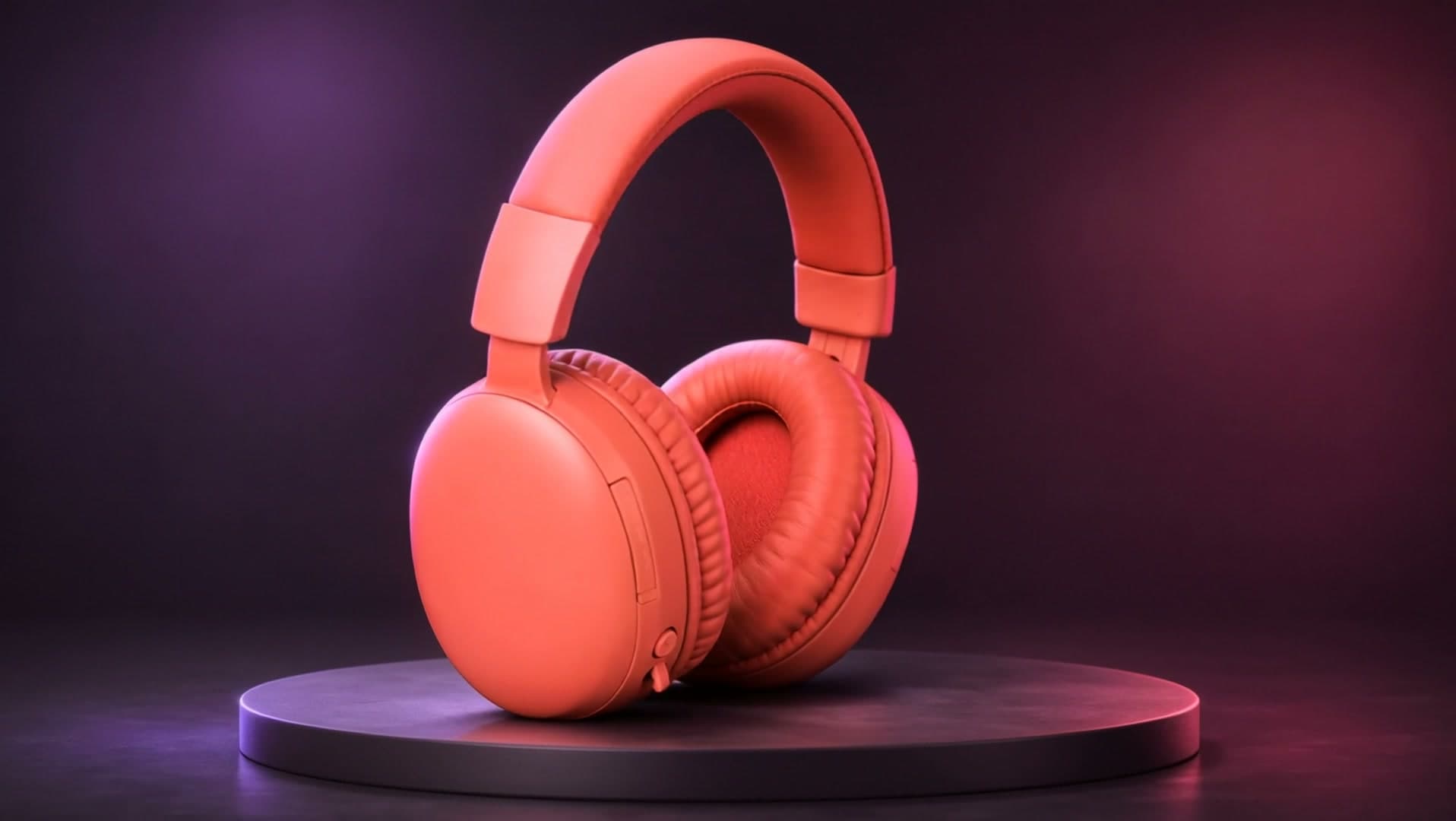 2.5s
Midpoint
The rotation reveals a different side view and changing earcup overlap.
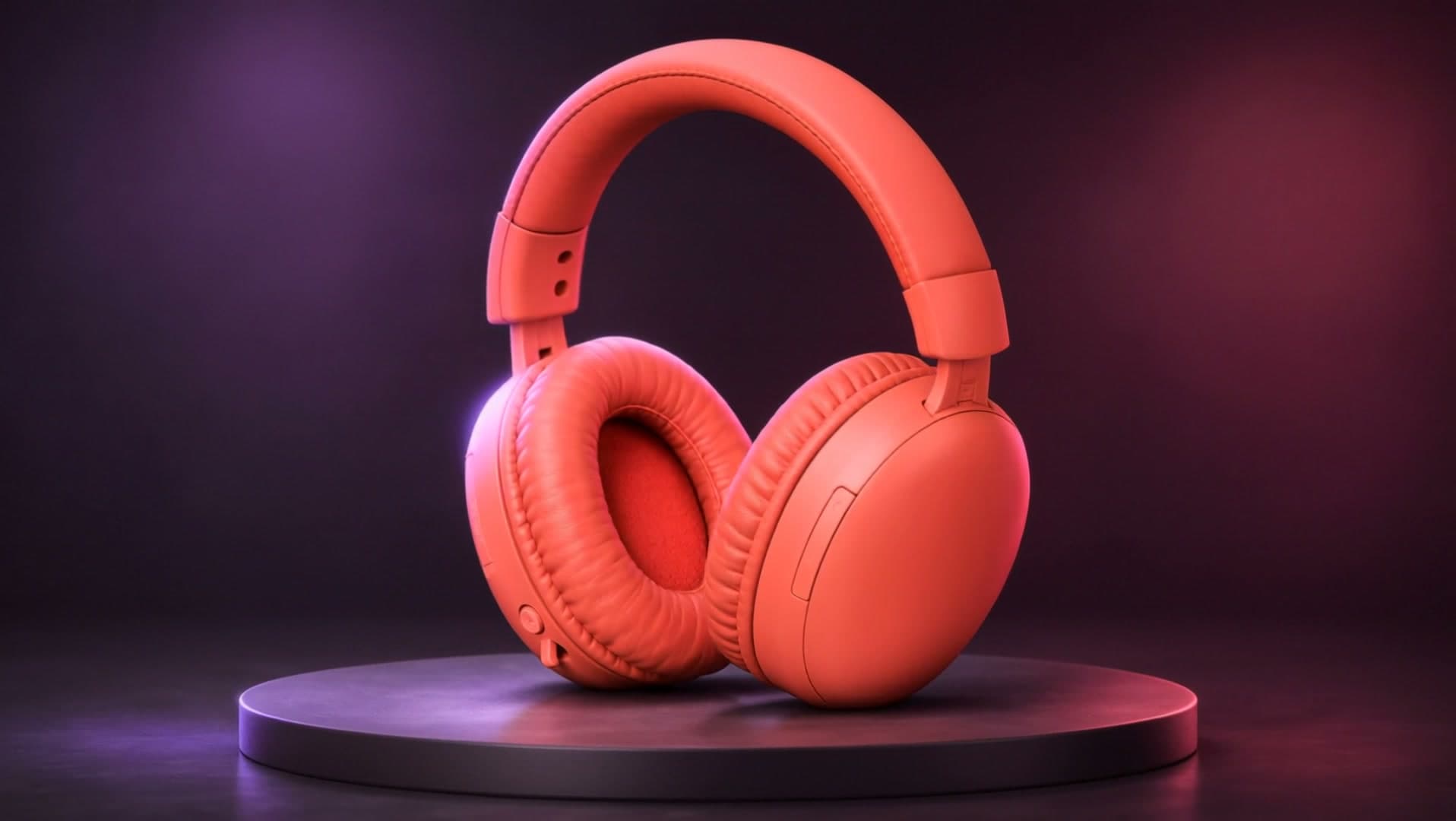 4.8s
Ending
The shot finishes at another viewing angle in the same studio setting.
What to keep in mind
Let the product lead
Keep color, shape and proportions consistent throughout the take.
Review before motion
Approve the generated first frame before spending credits on the video.
A silent final example
This Showcase has no voiceover, music or sound effects.
Add audio externally
Download the video, then add your own audio in an external editor.
Keep exploring
Give your product the spotlight
Start with your product reference. Review the first frame, then bring it into motion.
Create a Showcase